



The Stripe Checkout addon (www.stripe.com) provides a way to accept all major cards from customers around the world and payment methods accepted by Stripe account.
(Free version supports one-time payments. Recurring/subscription support and additional Stripe integrations are available in the commercial versions)
DocumentationEnabling addon
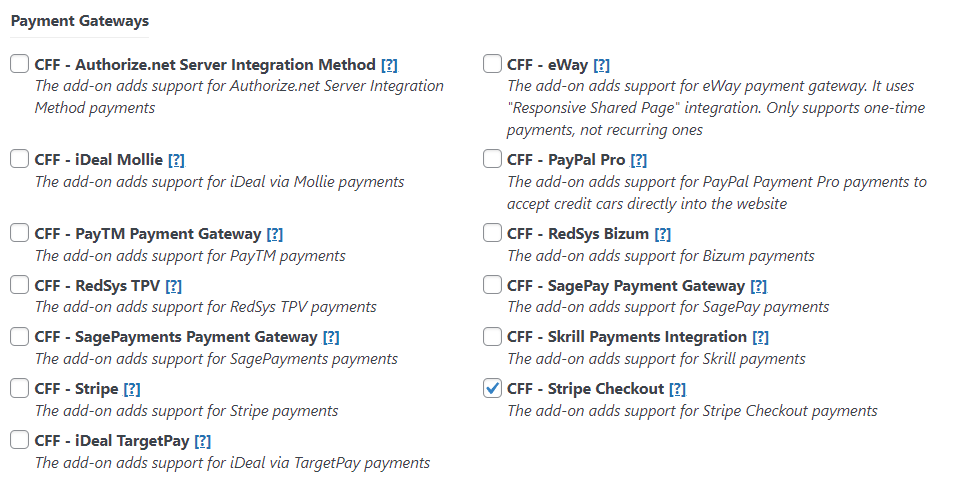
Easy to activate
To activate the add-on, simply visit the plugin page through the menu option: "Calculated Fields Form > Addons", tick the checkbox: "CFF - Stripe Checkout", and press the "Activate/Deactivate Addons" button.
Stripe Settings
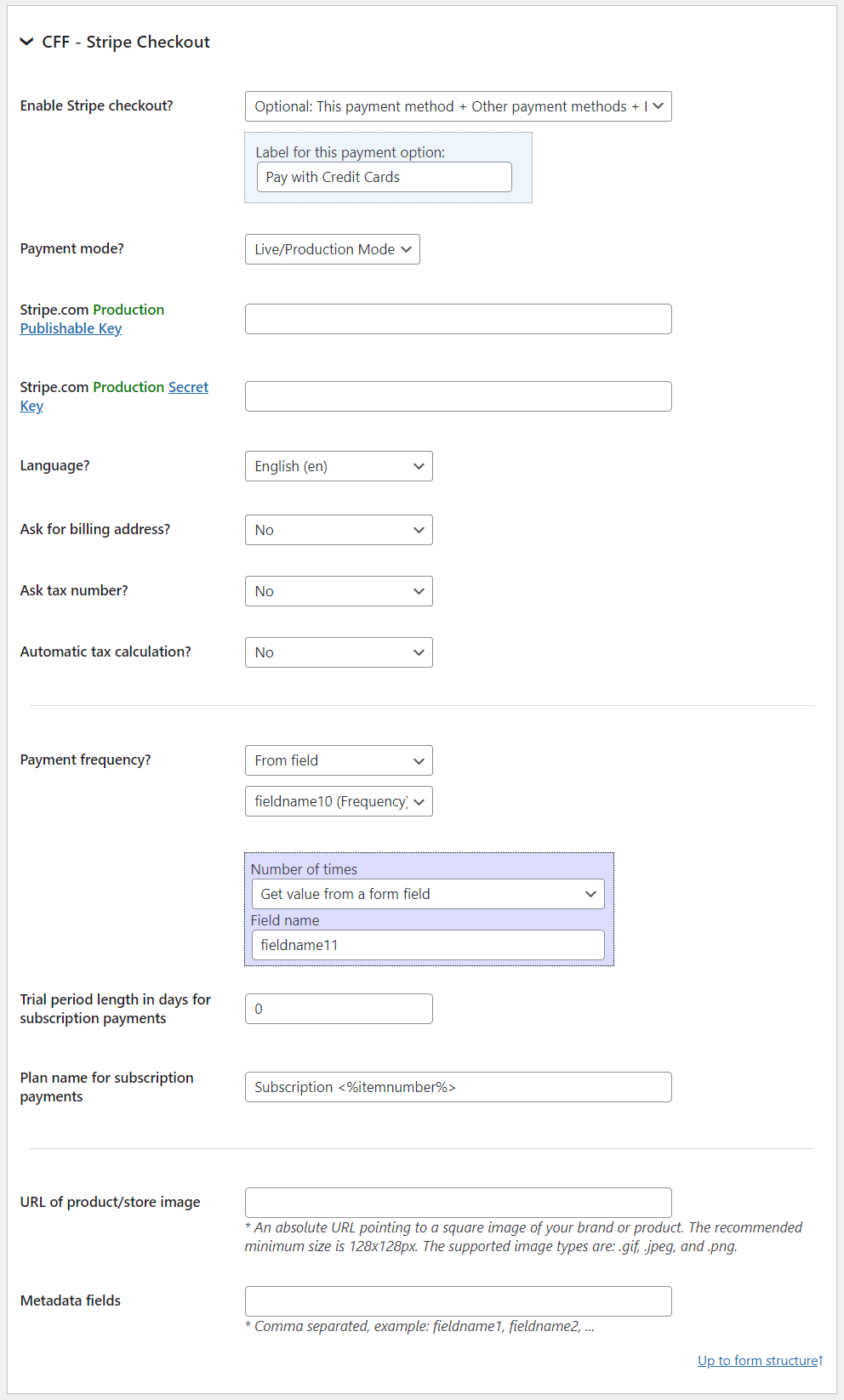
Stripe Settings
Enable Stripe Checkout, enter the "Publishable Key" and the "Secret Key" (test and live), select the payment mode, language, and configure billing address, taxes, and metadata options. Recurring/subscription settings are available in the commercial versions of the plugin.